The Small Business Owner’s Guide to AI Operations Automation


Quick Summary
AI operations automation is eliminating the back-office grunt work that drains small businesses. Here is what gets automated first and how to start without brea
You did not start your business to spend four hours a day on invoicing, email triage, and spreadsheet reconciliation. But here you are, buried under back-office work that does not generate a single dollar of revenue.

The good news? AI operations automation has matured to the point where most of this grunt work can run itself. Not theoretically. Not in some Silicon Valley pilot program. Right now, for businesses your size.
The Back-Office Time Drain: Where Your Hours Actually Go
According to Gartner’s automation research, small business owners spend an average of 16 hours per week on administrative tasks that could be fully or partially automated. That is two full working days. Every single week.
Here is where the time disappears:
- Email triage and response: 3-4 hours/week sorting, categorizing, responding to routine messages
- Invoicing and accounts receivable: 2-3 hours/week creating, sending, following up on invoices
- Scheduling and calendar management: 2-3 hours/week coordinating meetings, appointments, deadlines
- Reporting and data entry: 3-4 hours/week pulling numbers, updating spreadsheets, creating reports
- Document processing: 2-3 hours/week handling contracts, proposals, compliance paperwork
Now imagine getting 12-14 of those hours back. Every week. That is what AI operations automation actually delivers.
The Five Workflows That Get Automated First
1. Email Triage and Smart Routing
Your inbox is not a productivity tool. It is a distraction machine. automated email handling triage does not just filter spam. It reads incoming messages, categorizes them by urgency and topic, drafts appropriate responses for routine inquiries, and escalates only what actually needs your attention.
A properly configured system handles 60-70% of inbound email without you ever seeing it. Customer questions get answered. Meeting requests get scheduled. Vendor inquiries get routed to the right person. You only see the messages that require your brain.
2. Invoicing and Payment Follow-Up
Manual invoicing is insane in 2026. AI invoicing systems auto-generate invoices from project milestones or time tracking, send them on schedule, follow up on overdue payments with escalating reminders, and reconcile payments against receivables automatically.
The follow-up piece alone is worth its weight in gold. According to Deloitte’s AI in operations report, businesses using automated AR follow-up see average days-to-payment drop by 35-40%. That is real cash flow impact.
3. Automated Reporting and Dashboards
You should never be manually pulling numbers into a spreadsheet. AI reporting connects to your existing tools (CRM, accounting software, project management) and generates daily, weekly, or monthly reports automatically. But here is the key difference: it does not just present data. It tells you what changed and why.
Instead of “Revenue was $47,000 this month” you get “Revenue was $47,000, up 12% from last month, driven primarily by a 23% increase in repeat customer orders. New customer acquisition was flat. Recommended action: focus marketing spend on retention campaigns.”
4. Scheduling and Calendar Optimization
AI scheduling goes beyond “find a time that works.” It learns your energy patterns, protects deep work blocks, batches similar meetings together, and automatically handles the back-and-forth of scheduling with external contacts. No more email ping-pong to find a meeting time.
5. Document Processing and Compliance
Contracts, proposals, compliance documents: these follow patterns. AI document processing can extract key terms from incoming contracts, flag deviations from your standard terms, auto-populate proposal templates with client-specific data, and track compliance deadlines with automated reminders.
The Implementation Playbook: Start Small, Scale Fast
Week 1-2: Audit and Prioritize
Track every administrative task you do for two weeks. Log the task, time spent, and whether it required your specific judgment or was routine. You will be shocked at how much falls into the “routine” bucket.
Week 3-4: Pick Your First Automation
Start with whatever eats the most time. For most businesses, that is email triage or reporting. Do not try to automate everything at once. Pick one workflow, get it running reliably, then move to the next.
Month 2-3: Expand and Connect
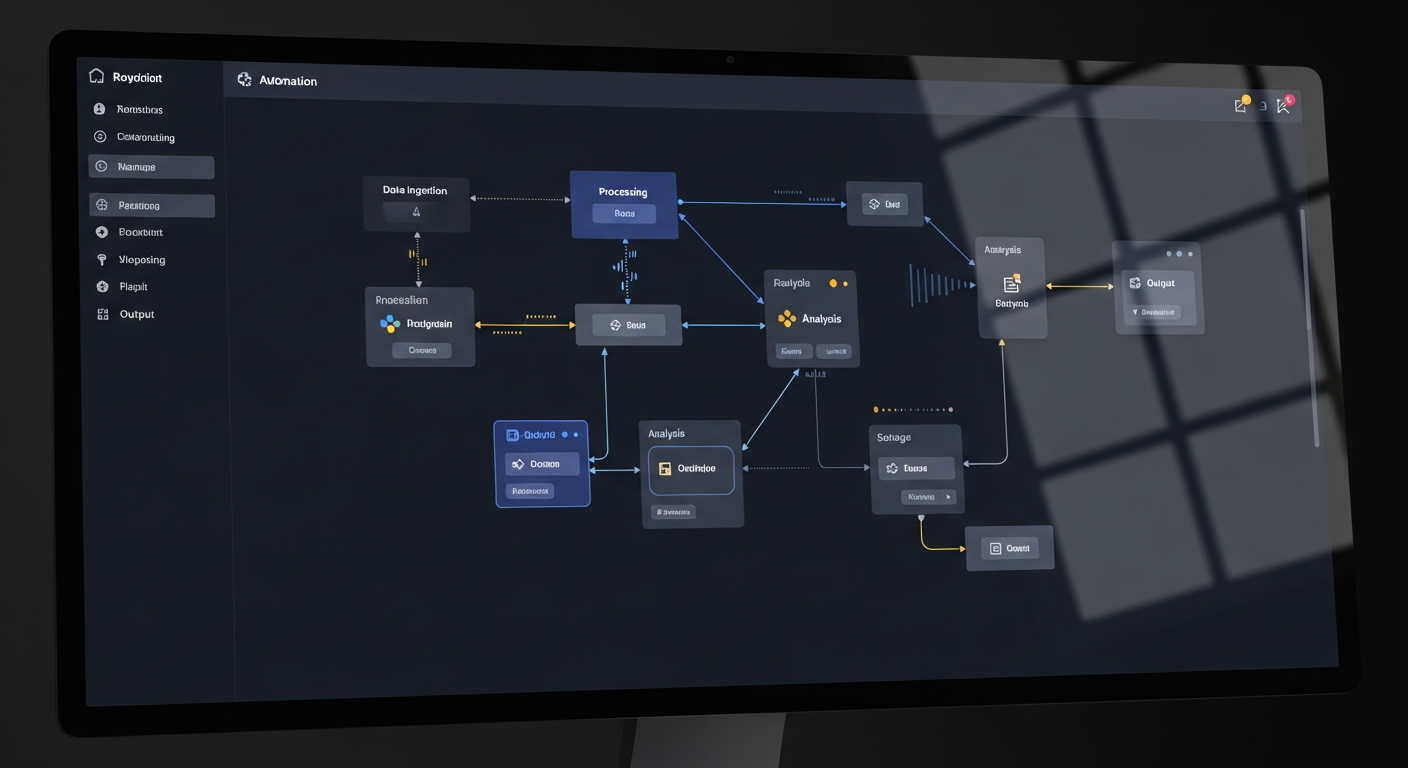
Once your first automation is stable, add the next one. The real power comes when automations talk to each other. Your email triage flags a new customer inquiry, which triggers your CRM to create a record, which triggers your scheduling tool to offer available times, which triggers a follow-up sequence if they do not book.
That entire chain happens without you lifting a finger. That is what a properly built AI operations stack looks like.
Common Objections (and Why They Are Wrong)
“My business is too unique for automation”
No, it is not. Your product or service might be unique. Your invoicing process is not. Your email patterns are not. Your reporting needs are not. The 80% of back-office work that is routine is routine everywhere.
“I tried automation tools before and they were more work than they saved”
Fair point. The last generation of automation tools (think Zapier workflows from 2022) required you to be a part-time programmer. Modern AI automation understands context, handles exceptions, and learns from corrections. It is not if-this-then-that anymore. It is “understand this situation and handle it appropriately.”
“My team will feel threatened”
Your team hates the grunt work too. Nobody took a job to do data entry. Automation frees them to do the work they are actually good at, the work that requires creativity, judgment, and human connection. Every client we have worked with reports higher team satisfaction after automation, not lower.
What Real Results Look Like
Small businesses implementing AI operations automation typically see: 40-60% reduction in administrative time, 35% improvement in accounts receivable timing, 50% fewer scheduling conflicts and missed deadlines, and 25% improvement in team productivity on revenue-generating work.
These are not projections. These are results from businesses already using these tools. The question is not whether automation works. It is how much longer you can afford to operate without it.
The Cost of Doing Nothing
Every week you spend 16 hours on administrative work, that is 16 hours you are not spending on sales, strategy, product development, or customer relationships. At a conservative value of $150/hour for owner time, that is $2,400/week in opportunity cost. Over $120,000 per year.
An AI operations stack costs a fraction of that. And it works nights and weekends without complaining.
Ready to Automate Your Back Office?
We specialize in building AI operations systems for small businesses that want to stop drowning in admin work and start focusing on growth.
Book a free strategy call and we will map out exactly which workflows to automate first and what kind of time savings you can expect. No jargon, no hard sell, just a clear plan.
Want to see the full picture? Check out our pricing page or read about how our AI automation workflows are transforming small business operations.
Related Reading
Run Your Operations
AI systems that automate your back office
Operations Autopilot
Put your entire back office on autopilot
AI Customer Support
Handle 80% of tickets without humans
Case Study: Insurance Back Office
From 40 hours to 4 with AI automation
7 AI Workflows That Pay for Themselves
Practical automations for small businesses
More Case Studies
See real results from real businesses